
SSD discussions often offer a very short rule: establish whether a drive uses TLC or QLC and the decision is made. In practice, NAND type describes an important component rather than the entire device. Controller design, firmware, capacity, caching and operating conditions influence the result together. Understanding those relationships helps with a new PC, a home server or a workstation where storage has a specific job to do.
What TLC and QLC mean
TLC stores three bits per cell; QLC stores four. Greater density requires distinguishing more states in a cell, creating an engineering trade-off between density, speed and endurance. Kingston explains these NAND types alongside other variants. Their definitions alone cannot rank every SSD model available for purchase. [s0]
A drive manages many chips as a complete system. Two devices using the same NAND type may behave differently because of their controllers, algorithms and internal spare area. Different capacities within one family need not deliver identical sustained writes either. Compare the exact part number and capacity, rather than only a series name or a short label in a shop description.
Short operations and sustained writes are different
Saving a small document and transferring a large working archive create different demands. A brief burst may fit within a fast buffer or caching region. A long operation reveals what happens after that area fills. Testing only short bursts can hide an important difference until the first large transfer interrupts the normal workflow.
Define the job in practical terms: how much data is written at once, how frequently the operation occurs and whether waiting is acceptable. A rarely updated library and daily video editing need different combinations of properties. NAND type helps explain construction, but the final choice should include measurements of the relevant workload on the particular model rather than a general reputation of the technology.
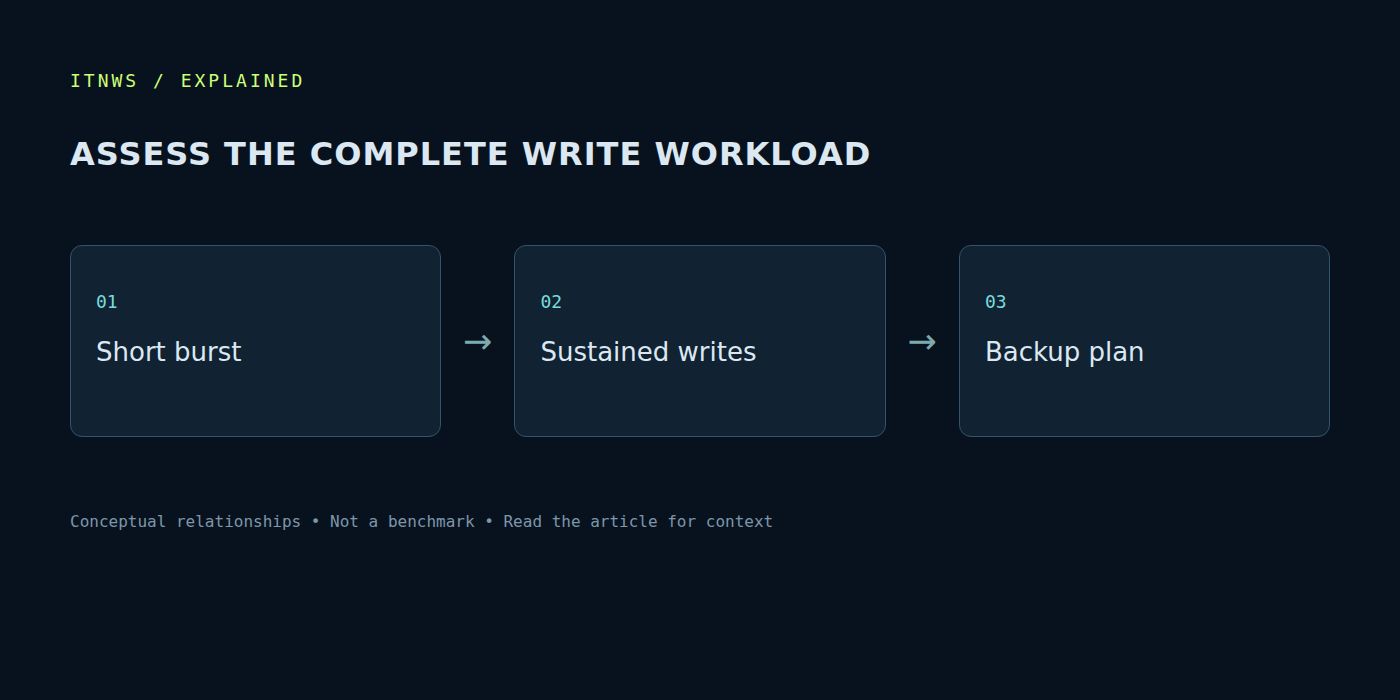
A fuller drive operates under different conditions
An almost empty SSD and one with little space remaining are in different states. Internal write management and data relocation need room to operate. A review conducted on a clean device may therefore not describe behaviour after months of use. Examine the test method: utilisation, transfer size, temperature and operation length. Without that context, the numbers are difficult to compare meaningfully.
Free space matters for a simpler reason as well: applications and working files grow. Continually moving data because capacity is insufficient is inconvenient regardless of cell type. Include future data, temporary files and active projects when planning a purchase. A faster but undersized drive can be less useful than an appropriately sized alternative. Assess the full workflow instead of one operation under ideal conditions.
How to interpret rated endurance
A manufacturer may specify a total written-data allowance and warranty conditions. Read them together to establish the limits applying to the exact product. They are not a precise countdown to failure. A drive may continue functioning after a particular write volume, or fail for another reason unrelated to cell wear. A warranty figure does not describe every possible fault.
For the actual workload, observing accumulated writes over a normal period is more useful than guessing from the technology name. Account for units, observation duration and changes in use. A machine running games today may become a continuous recording station tomorrow, making the earlier measurements unrepresentative. Another person’s wear graph cannot simply be transferred to this system, even if the model name matches.
Enterprise drives have different priorities
Kingston separately discusses client and enterprise SSD design, including sustained behaviour over longer workloads. Peak advertising numbers and an appropriate operating profile are different considerations. A server may need properties absent from a short consumer listing. Conclusions about one class should not automatically be applied to another or to every available product. [s1]
A home user does not therefore need an enterprise drive by default. First define the requirement: continuous writes, predictable latency, infrastructure support or normal application loading. Compare compatible products intended for that requirement. Otherwise it is easy to pay for unused capabilities, or install a device with unsuitable warranty conditions into a constant professional workload.
NAND type does not replace a backup
Neither TLC nor QLC promises the survival of the only copy of a file. Software mistakes, accidental deletion and electronic failure remain possible regardless of bits per cell. Important documents need an independent copy with a tested restoration path. If an archive exists on one SSD alone, changing its memory technology does not remove the single-location problem or restore an accidentally deleted file.
Sources were checked on October 18, 2026. A practical choice begins with capacity, compatibility and the write workload, then examines the exact model, warranty and real measurements. TLC and QLC explain a construction trade-off. They are useful technical information, but three letters cannot replace assessing the complete drive and the way data is managed.