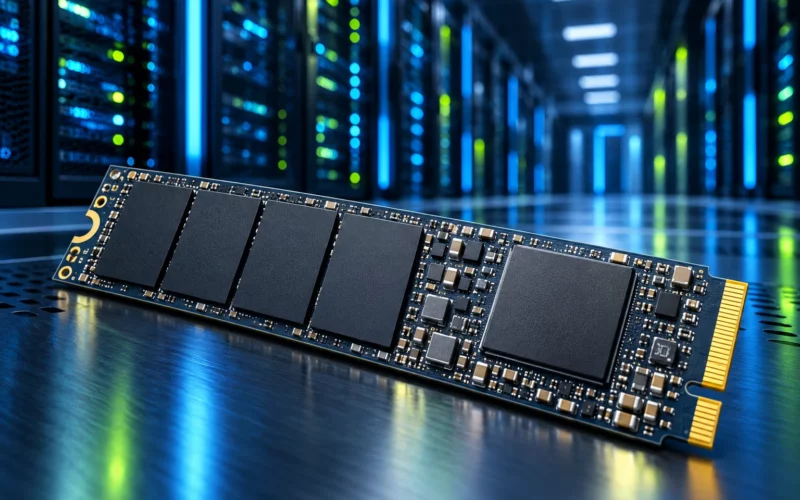
Alongside fast SSDs, the hard disk can look like a technology merely waiting to disappear. The need to retain large amounts of data has not disappeared, however. Roles are changing: some files need rapid random access, while others remain in an archive for months. HDD development primarily addresses the latter task, increasing storage within the space and infrastructure budget available.
What has changed in recording density
In a March article, Seagate describes its second-generation HAMR Mozaic platform with more than 4 TB per platter and qualified capacities of up to 44 TB for major cloud customers. This is a manufacturer statement about an enterprise platform. It does not establish availability in every store or compatibility with every home NAS. [s0]
An announcement, customer qualification and broad retail availability are different milestones. Each describes a separate stage of a product’s life. A buyer still needs to identify the actual part number, interface, warranty route and support in the intended system. A large terabyte figure alone answers none of those questions. These checks are particularly important when a new drive is joining an existing storage installation.
What HAMR means
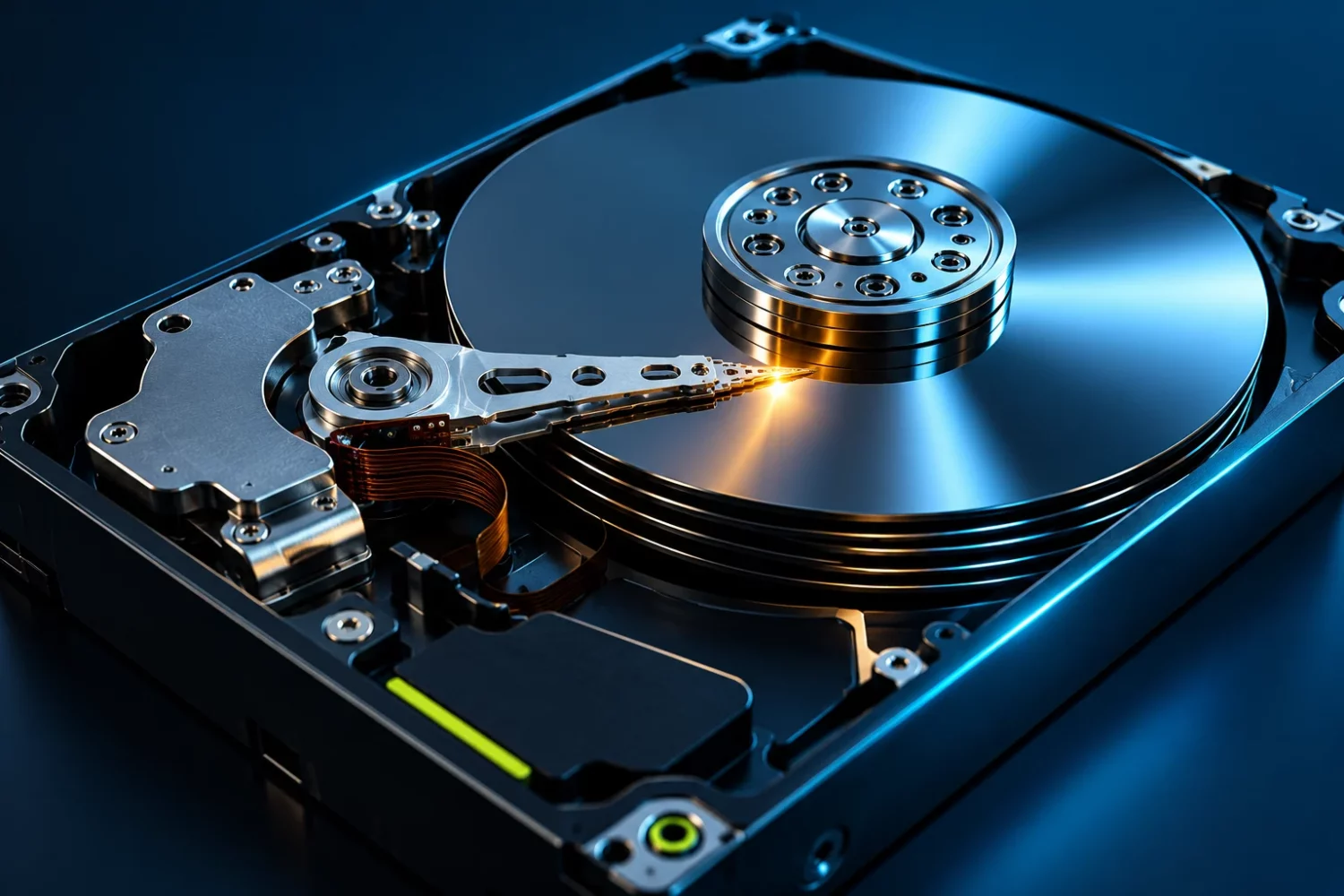
HAMR stands for heat-assisted magnetic recording. Local thermal assistance during writing enables media designed for denser data storage. Seagate’s technical documentation describes the architecture in more detail. This is a controlled process inside a purpose-built device, not a reason to heat an ordinary hard drive externally. [s1]
The user continues to see familiar read and write operations. There is no requirement to activate a laser manually or change the file system simply because of the recording technology’s name. Platform requirements and the particular product’s compatibility still need checking. The illustration accompanying this article is conceptual: it depicts an idea, not a specific production model or a safe method of operating an opened drive.
Density and speed solve different problems
Storing more data on a platter helps fit more files into one enclosure. It does not remove head movement or rotating media. Comparing an HDD and an SSD only by capacity misses the access pattern. A large sequential archive and many small simultaneous requests place different demands on storage even when the total volume of data is identical.
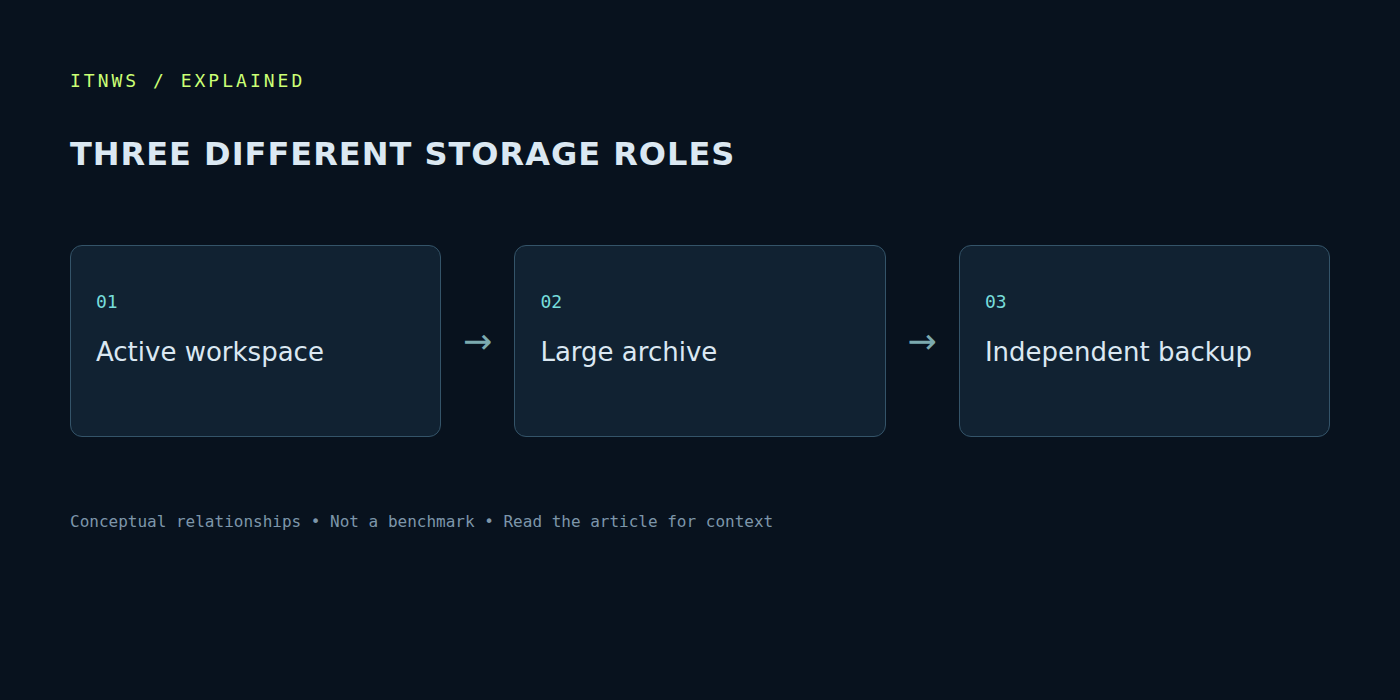
For a home computer, separate active data from infrequently accessed files. A project used every day differs from completed source material or a collection of backups. This lets the drive be assessed by its role, rather than requiring one winner for every possible task. Keeping a working area on an SSD and an archive on another medium can be appropriate, depending on access speed and availability requirements.
Larger drives change array maintenance
In a multi-drive system, greater capacity per device changes more than the total available space. Consider how long a surface check, recovery after failure or data migration could take. A larger disk contains more information that may need reading or rewriting during maintenance. Plan around the real sustained operation, rather than only the moment when the new drive is connected.
A NAS installation requires checks of the enclosure, controller, firmware and intended array configuration. Vibration, temperature and power during simultaneous drive startup also matter. A NAS vendor’s compatibility list is more useful than assuming all SATA drives are equally suitable. An upgrade belongs in the context of the entire storage system, especially when that system contains the only copies of valuable files.
RAID and backup provide different protection
An array may maintain availability after certain drive failures, but it cannot prevent every cause of file loss. Accidental deletion, an erroneous overwrite, system damage or a shared power problem can affect multiple disks together. An archive therefore needs an independent copy with a clear restoration procedure. Test not only the creation of that copy but also the ability to retrieve selected files.
The value of the information determines the requirement. For family photographs and work documents, know where the additional copy resides and when it was last updated. A large media archive may tolerate a different recovery time or change less frequently. Neither a high endurance specification nor a new recording technology replaces that plan. A drive is one storage component; preservation depends on the process around it.
What to compare when buying
Identify the exact model, usable capacity, interface, recording type, workload rating and warranty conditions. Noise, consumption and cooling also matter in a home installation. Cost per terabyte is useful when comparing otherwise suitable options, but it should not hide an unsuitable operating profile or difficult warranty service. Apparently inexpensive capacity can become costly during migration or recovery.
Technical sources were checked on October 18, 2026. We have not benchmarked the new Mozaic drives, and enterprise claims are not being applied to every consumer HDD. The practical significance of magnetic recording development is more room for data while the hard disk retains its distinct role. Fast active storage, a capacious archive and an independent backup remain three separate requirements.