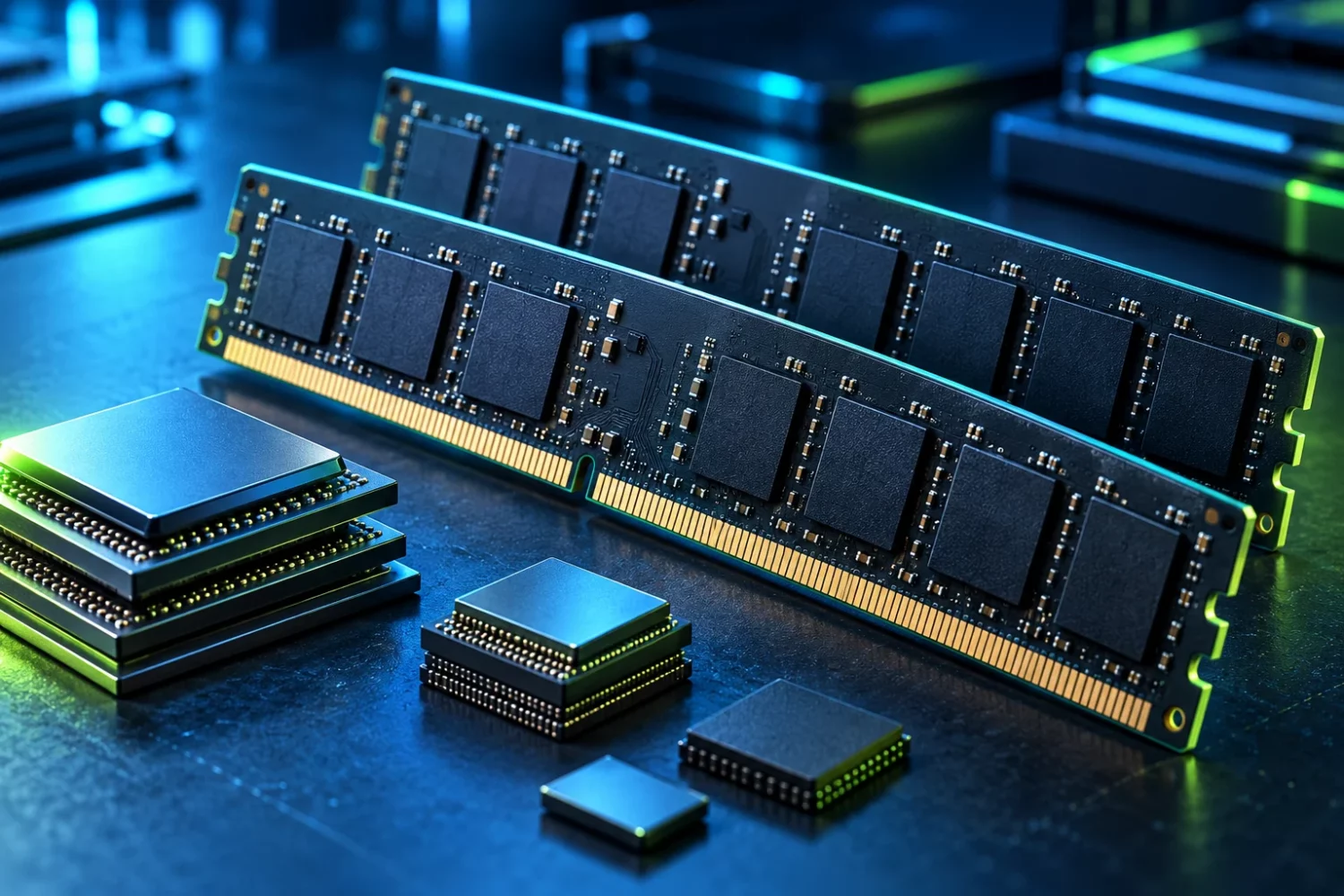
Choosing a thin laptop often involves an uncomfortable compromise: a compact machine is convenient every day, but its memory capacity may have to last for the device’s entire life. LPCAMM2 offers another approach by placing power-efficient LPDDR on a replaceable module. This is an existing technology, rather than a promise about a future standard. Replaceability, however, does not make a module universal across every laptop.
What LPCAMM2 changes
Micron describes LPCAMM2 as a modular LPDDR5X solution with an upgrade path for capacity. Lenovo uses the format in the ThinkPad P1 Gen 7. Together, these examples demonstrate the central point: a finished computer can combine low-power memory with a replaceable module. They do not imply that every laptop advertised with LPDDR can be upgraded. [s0] [s1]
Three separate concepts matter. The memory technology defines electrical and operating characteristics. The module format determines physical placement and connection. The platform determines which configurations are supported at all. An LPDDR5X label answers only part of the question. An upgrade decision needs information about the complete laptop, rather than one line in a marketing description or a general family name.
Why a familiar module is not an alternative
A desktop DIMM, a compact SO-DIMM and an LPCAMM2 module have different constructions. A shared generation or similar advertised transfer rate does not make them interchangeable. Contacts, component placement and mounting must match the motherboard. An adapter advertised without explicit platform support is not a sound basis for maintaining a computer used for work.
Soldered memory presents a different service situation. Its chips are part of the system board, and the availability of an LPCAMM2 module elsewhere changes nothing. Before buying a laptop, look for a specific statement that the module is replaceable and a documented service procedure. A specification saying “up to” a certain capacity may refer to factory configurations rather than a user-accessible upgrade. Resolve that distinction before paying.
Compactness and battery claims need context
The format interests engineers because memory placement influences the internal layout. Space released by a different design can support a larger battery, cooling changes or a smaller enclosure. A particular laptop need not deliver all those benefits simultaneously. Its result depends on the manufacturer’s design choices, intended workload and the other components installed in that configuration.
Power claims require similar care. A percentage reduction in one component’s consumption cannot automatically become the same percentage increase in whole-laptop battery life. The display, processor, graphics hardware, wireless interfaces and background software consume energy too. An endurance comparison needs matching brightness, workload, power settings and battery condition. Without those controls, even an accurate component measurement can create an unrealistic expectation about the finished device.
Check the upgrade path before ordering
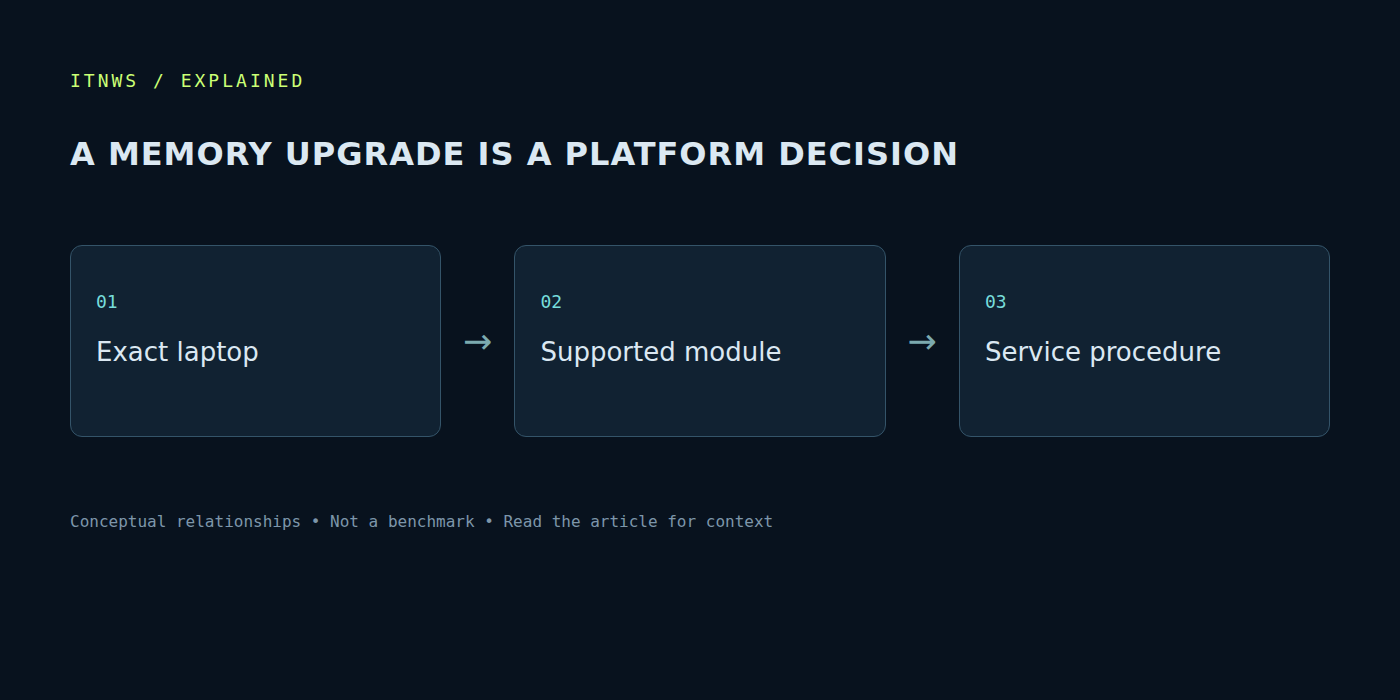
Start with the exact model and hardware revision. Find the service manual, supported modules and capacity limits. When the manufacturer supplies a part-number list, use it. A visually similar component is not a substitute for electrical compatibility and firmware support. This distinction matters especially when the laptop is required for daily work and downtime would be expensive.
Then check whether the appropriate module is actually available and what replacing it will cost. An upgrade option is useful when the part can be obtained with a clear warranty. Delivery, returns and service labour belong in the total as well. A higher-capacity factory configuration can sometimes be more practical even if later expansion is technically possible. Compare complete routes, rather than only the catalogue price of a board.
Replacement has its own service procedure
Lenovo separately documents a situation in which a system may not boot after a CAMM2 replacement and provides model-specific instructions. That is a reminder to follow the required service sequence. Familiar SO-DIMM advice may be insufficient: use the guide for the exact machine and follow its prescribed order. [s2]
Before working, make a backup, disconnect external power and follow the manufacturer’s battery instructions. If the necessary tools or confidence are missing, use a qualified service provider. Afterwards, verify the recognised capacity, run memory diagnostics and reproduce the normal workload. A successful first boot is the beginning of validation, not proof of stability under every operating condition.
Where modular memory adds the most value
The clearest case is a machine whose workload grows: development with virtual machines, larger creative projects or increasingly demanding multitasking. Adding capacity may extend the useful life of the whole system. If processing power or graphics capability is already the limiting factor, a memory replacement cannot remove those other constraints.
Treat LPCAMM2 as a useful architectural option to assess alongside the complete laptop. Speed matters, but so do spare parts, documentation and service access. Buyers benefit from knowing how much capacity they need now, how that workload might change and whether a validated expansion route exists. Sources and specifications for this explanation were checked on October 18, 2026; availability of particular models and modules still needs checking in the relevant country.