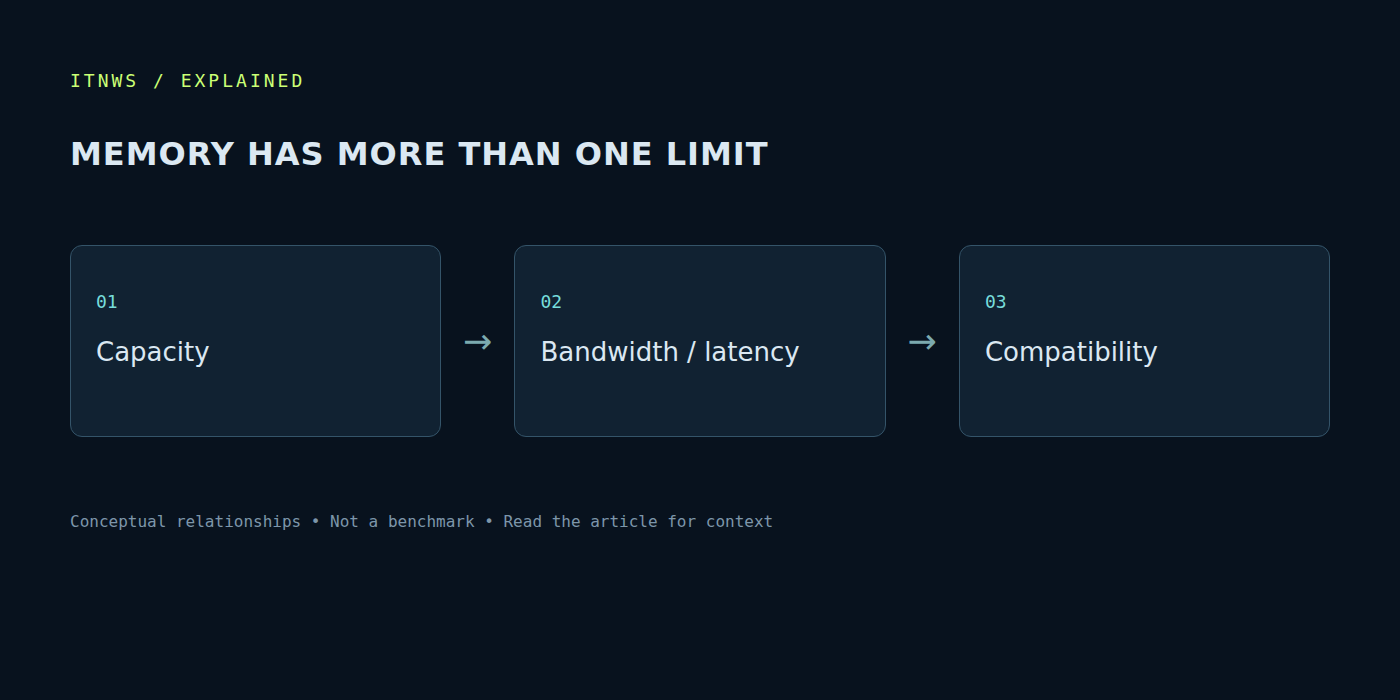
Choosing DDR5 often starts as a comparison of two numbers: capacity and the speed printed on the box. Timings, overclocking profiles, module count and a long compatibility list soon follow. Each parameter is useful when its purpose is understood. There is no universal kit for every system: applications, the memory controller and the motherboard determine the requirements. A successful choice concerns the complete configuration rather than a single marketing specification.
Capacity determines whether the working set fits
System memory holds data used by active processes. When that working set becomes crowded, the system accesses storage more frequently and redistributes resources. This can appear as pauses when switching tasks. Before choosing a higher transfer rate, establish whether the current capacity supports an ordinary working day. A browser, editor, game and virtual machine together need more than each application separately.
Occupied memory is not automatically evidence of a shortage. Operating systems use available capacity for caching. Actual delays and active paging under a familiar workload are more useful indicators. Observe the same scenario over several days rather than relying on one task-manager screenshot. That separates a temporary application activity from a persistent configuration limit and helps avoid an unnecessary purchase.
MT/s and megahertz are different units
DDR5 is commonly described by its transfer rate in megatransfers per second, or MT/s. This is not the same label as clock frequency. Comparisons should use consistent units. Different shop descriptions may refer to the same operating mode, so check the kit specifications and platform documentation rather than only the catalogue filter.
A higher transfer rate does not guarantee an equal improvement in every application. Some workloads respond to bandwidth; others are limited by the CPU, graphics card or storage. The result depends on the task and the complete system. Kingston discusses DDR5 operating rates for gaming platforms; such explanations should be read with their conditions and compatibility context rather than turned into a universal rule. [2]
Assess timings together with transfer rate
Timings describe particular operating intervals in clock cycles. Comparing a number without the duration of the cycle can produce the wrong conclusion. A lower CL does not always mean a lower absolute delay when the kits use different operating rates. Several intervals also influence behaviour, not merely the parameter printed most prominently on the packaging.
A practical decision therefore needs a combined assessment. An attractive specified latency is of little use if the corresponding configuration is unstable on the actual board. A slightly less aggressive setting can provide predictable sustained operation. For work, correct results and freedom from random failures generally matter more than a small difference in a short benchmark. Application testing should accompany the specification sheet.
EXPO is a profile, not a universal guarantee
AMD describes EXPO as a memory-overclocking profile technology and publishes a list of tested kits. Profiles simplify configuration, but the combination of module, motherboard and processor still matters. Distinguish the baseline operating mode from a profile enabled by the user. Check the relevant documentation, including any required BIOS version and operating conditions. [s0]
Before changing settings, record the original mode and establish that the system is stable. Then change one parameter and test the outcome. Do not transplant voltage settings from a random online post to another platform. If errors appear after enabling a profile, restoring the original settings helps test the connection. Further action should follow manufacturer instructions and diagnostics rather than an assumption of guaranteed overclocking.
Module count matters as well
Two arrangements with the same total capacity can place different demands on the controller. Filling every slot and installing fewer, larger modules need not support the same operating mode. Two separately purchased kits also do not automatically become one validated set. Before expanding, check platform limits and supported installation patterns, including the required slot population order.
Consider how the workload will grow. Expansion options and the availability of compatible parts belong in the cost of the choice. Installing an appropriate arrangement initially can be easier than later finding a matching kit that has left production. Conversely, paying for enormous unused capacity without a clear purpose is unnecessary. Estimate the need from real working data and plans rather than the highest number in the catalogue.
Validate after installation
Confirm that the expected capacity and operating mode are recognised. Run diagnostics and reproduce normal work under sustained load. Watch for application failures, unexpected restarts and incorrect output, rather than only a successful boot. One short test cannot demonstrate reliability in every situation. Retain the baseline observations so later changes can be compared meaningfully.
Sources were checked on October 18, 2026. DDR5 selection becomes easier in the right order: required capacity, platform support, appropriate operating mode and verified stability. Transfer rate and timings then help compare compatible options. They form part of an engineering decision rather than replacing an understanding of what the computer needs to do each day.