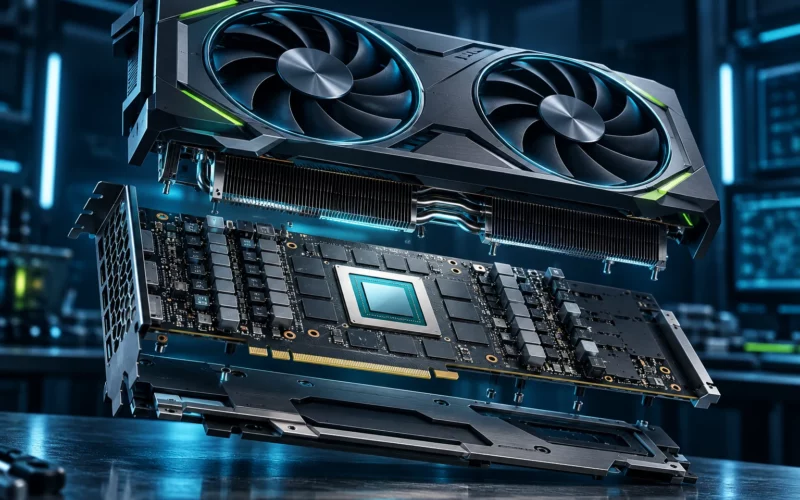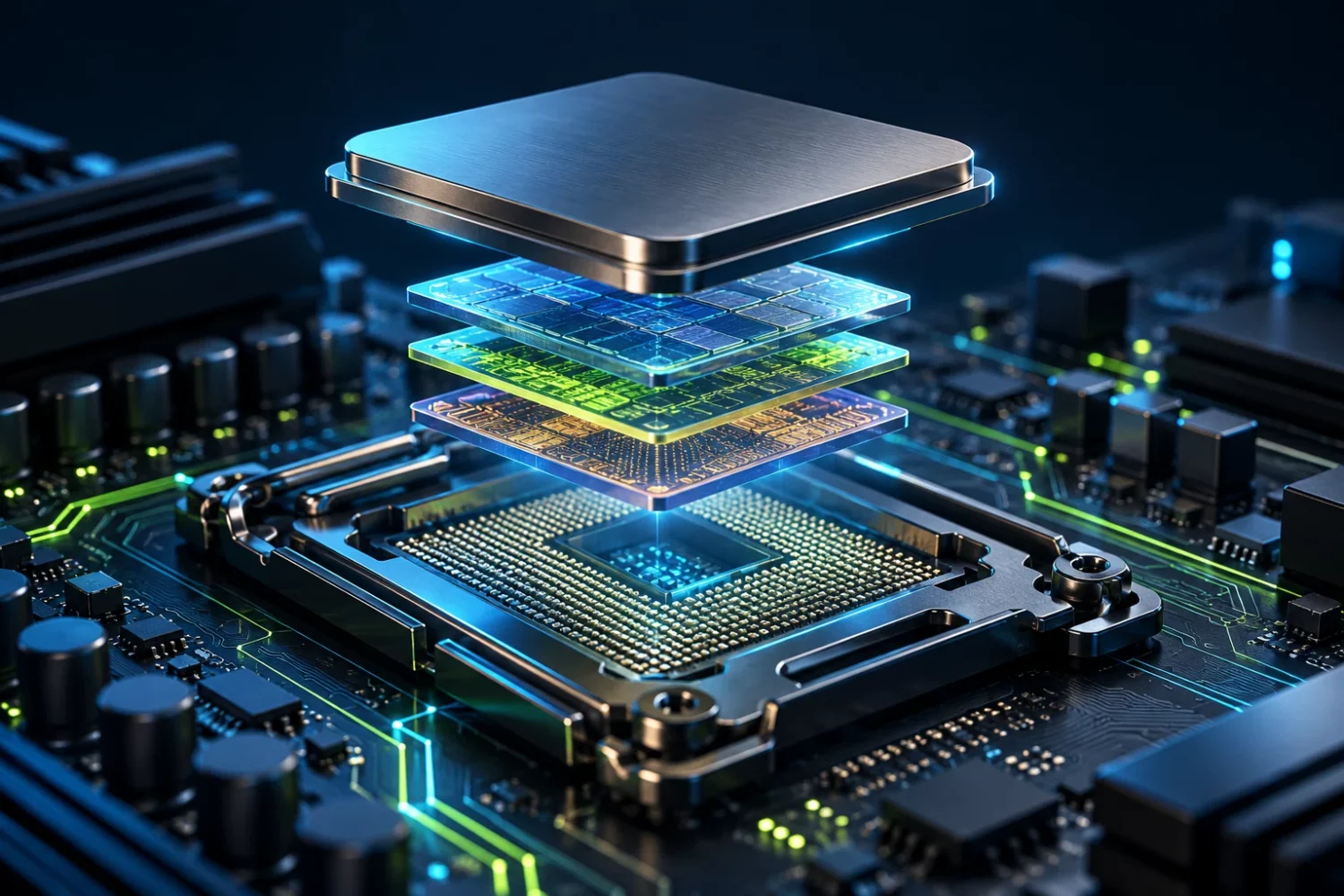
Comparing processors by one clock-speed figure is convenient, but it describes a modern computer poorly. Architecture, fast cache capacity, application behaviour and the other components all affect the outcome. In 2026, families with additional cache provide a useful illustration. They demonstrate an engineering choice, rather than proving that one specification makes a processor the best option for every workload.
A current X3D example
AMD specifies eight cores, sixteen threads and 96 MB of L3 cache for the Ryzen 7 9850X3D. Its January 2026 announcement places the processor in the gaming-focused Ryzen 9000X3D range. These are manufacturer details about a specific product; this article does not report our own performance measurements. [s0] [s1]
The example matters because CPU development is not limited to adding cores or increasing frequency. Faster access to frequently reused data can change application behaviour without changing its external interface. The benefit depends on data organisation and how much time the application spends waiting for memory. Cache capacity alone cannot establish a performance advantage, however impressive the number looks.
Why processors use a memory hierarchy
Computation involves obtaining data as well as executing instructions. Small, fast storage sits close to the cores. System memory is further away, followed by persistent storage. These levels differ in latency, capacity and purpose. Cache helps reuse data that would otherwise require another request to a more distant level of the system.
Consider a hypothetical game repeatedly processing the same set of objects. Keeping a useful portion near the processor can reduce waiting. Another task streams through an array far larger than the available cache, producing a different balance of constraints. These examples explain a mechanism. They do not predict a percentage improvement for a named game or application without an appropriate measurement.
Gaming results do not transfer to every task
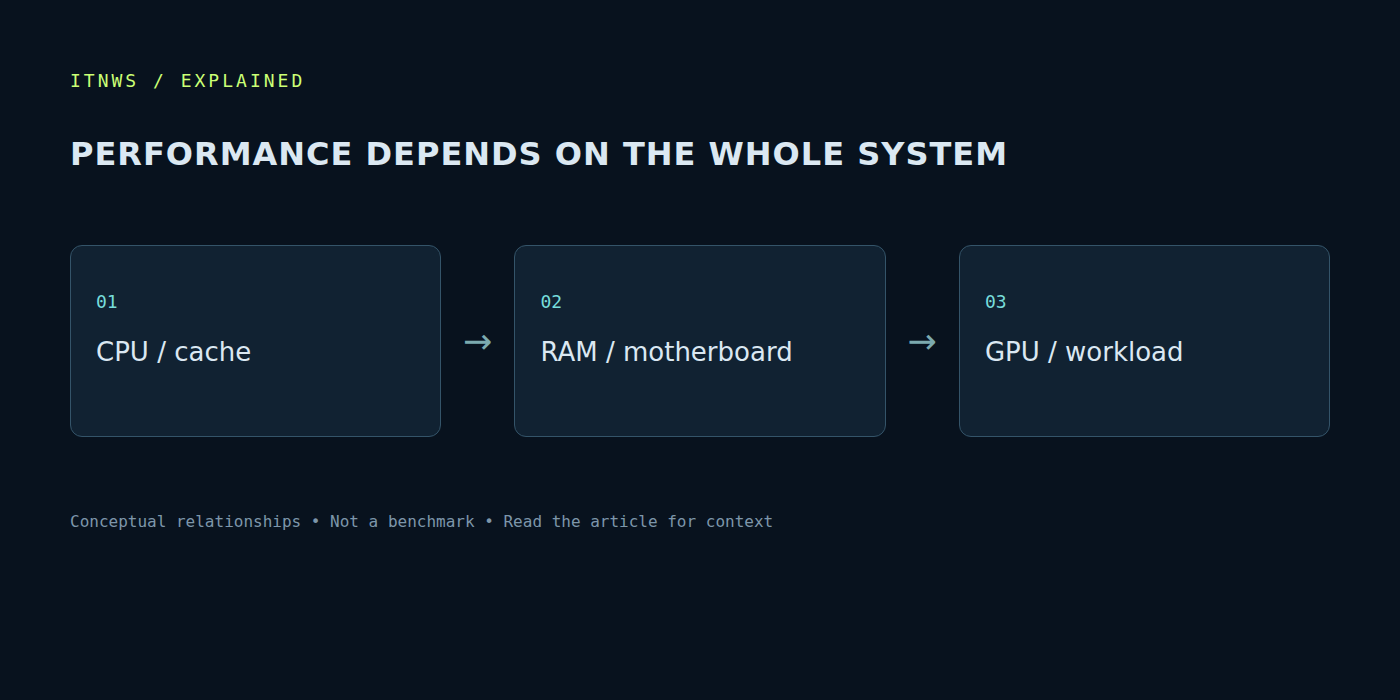
A game loads both CPU and GPU. At some settings, command preparation and simulation logic establish the limit; at others, rendering the frame on the graphics card does. Changing resolution or effects can move that limit. A processor test with a particular GPU and settings is not automatically a prediction for every complete computer.
Look beyond an average frame rate to frame delivery consistency, the scene tested and repeatability. A game and a large rendering job can also use extra cores differently. Someone working and gaming on one machine benefits from several relevant workloads rather than one attractive ranking. The appropriate weight of each test follows the amount of time that task actually occupies in everyday use.
The motherboard belongs in the decision
Before replacing a processor, check the socket, supported-model list and required BIOS version. A compatible processor family does not guarantee every board is ready without an update. Establish the flashing procedure and whether the existing hardware can perform it. Buying a CPU without that check can lead to an unexpected need for other components or a service visit.
Interface configuration matters too. Lane availability, storage connections, memory support and power delivery follow the combination of processor and motherboard. A high-end chip cannot fix an insufficient connector selection or an awkward enclosure. Calculate the transition with memory, cooling and any replacement motherboard included, especially when moving from an older platform. The CPU’s price alone is not the total upgrade cost.
Cooling matters over a sustained workload
A brief benchmark and hours of work create different thermal conditions. A cooler must match the mounting system, fit inside the case and work with its airflow. Memory-module height, radiator placement and cable routing also affect the build. Fan size alone cannot assess cooling without the enclosure and operating conditions.
For diagnosis, observe temperatures, operating clocks and noise during the same workload. If behaviour changes over time, identify the reason before overclocking or replacing parts. A power figure in a specification should not automatically be read as constant whole-system consumption at the wall. A practical assessment requires measurements of the particular configuration under comparable conditions.
Give an upgrade a specific purpose
First name the problem: slow project compilation, pauses in a game, insufficient threads for virtual machines or excessive noise. Then establish which component actually limits the task. Additional memory or corrected cooling sometimes helps; in another case, a processor upgrade is justified. Without an initial observation, it is easy to spend money on a change that barely affects daily work.
Specifications and sources were checked on October 18, 2026. Choosing a modern CPU means connecting the workload, architecture and whole-platform cost. Cache, core count and frequency become useful in that context. A good upgrade removes a known limitation, remains compatible and demonstrates value in the owner’s applications rather than only in an advertising chart.