Processors and graphics cards usually attract more attention than the other components. Yet they operate inside an enclosure, alongside a particular motherboard, power supply and cooling system. A mistake in that combination can limit an expensive configuration. Planning a modern build therefore starts with a shared layout: what is installed, how it connects and where heat goes during a real workload.
Check dimensions and connections together
Identify the motherboard format, graphics-card length and thickness, CPU-cooler height and storage placement. Read case specifications alongside the restrictions introduced by fans or radiators. A maximum component size may describe an arrangement in which another component does not occupy adjacent space. Comparing two isolated catalogue figures may be insufficient.
Sketch component placement and cable routes in advance. Room for a connector and its proper attachment belongs in the build’s dimensions, even when absent from a graphics card’s length specification. Account for access to memory, mountings and buttons. The machine will need maintenance, making future access as relevant as an attractive appearance immediately after assembly.
PSU wattage is only the starting point
Power assessment should cover the entire system and intended workload. CPU, GPU, drives, fans and external devices contribute together. One component’s specification cannot describe the computer’s consumption in every situation. Use equipment-manufacturer requirements and measurements of comparable configurations rather than an arbitrary reserve without a defined purpose.
Connectors, supported operating behaviour and warranty conditions matter alongside the rating. A supply may offer sufficient stated power but an inconvenient connection arrangement for the chosen board and card. Assess adapters through the relevant manufacturers’ instructions. If a cable must be stretched or prevents the enclosure closing, resolve the layout during selection rather than after first power-on.
Modular cables cannot be selected by appearance
CORSAIR explains that modular PSU cables depend on the supply: a visually similar connector does not establish compatibility. When replacing a PSU, verify the exact supported cable type using manufacturer information. Leaving old cables installed merely for routing convenience is not a sound upgrade without that confirmation. [s0]
Mechanical fit and electrical pin assignment are separate matters. A part can appear suitable while its wiring differs. Retain the supplied cables and the unit’s model information. If replacements are needed, use the official compatibility table. A casual recommendation based on a photograph does not replace documentation, even for products carrying the same brand.
Airflow matters more than fan count
A fan helps when air can reach hot components and leave the enclosure. A restrictive front panel, blocked filter or cable arrangement changes the outcome. Many fans without a clear flow direction do not guarantee better cooling. Establish the air path first, then choose placement and operating settings with noise in mind. Removing an obstruction can be more useful than adding another fan.
CPU and GPU cooling interact through the same internal space. One component can heat the air reaching another. Test with the case closed in its normal location rather than only on an open bench. Room temperature also influences observations. Keep the workload consistent and record conditions when comparing settings, so the reason for a difference remains understandable.
Connect temperature with behaviour
Intel’s temperature troubleshooting discusses cooling and operating conditions together. A temperature value without a CPU model or workload is insufficient context. Observe operating clocks, performance and noise over a sustained task. A short spike and a stable long-term state describe different situations and need different interpretation. [s1]
If a problem follows an upgrade, inspect the changed area first: mounting, fan connections, control settings and clearance. Avoid changing many parameters simultaneously, which obscures cause and effect. Returning to a known configuration and repeating the same task helps diagnosis. This sequence saves time and reduces the risk of purchasing a component that does not address the real problem.
The motherboard connects the other decisions
The motherboard establishes slots, fan headers, storage interfaces and processor support. Devices can share resources; check the exact model’s manual. For future expansion, the connection layout is more useful than a connector count in a photograph. BIOS compatibility and the update sequence during a CPU replacement deserve separate attention. Support for a family does not guarantee the installed firmware supports every model immediately.
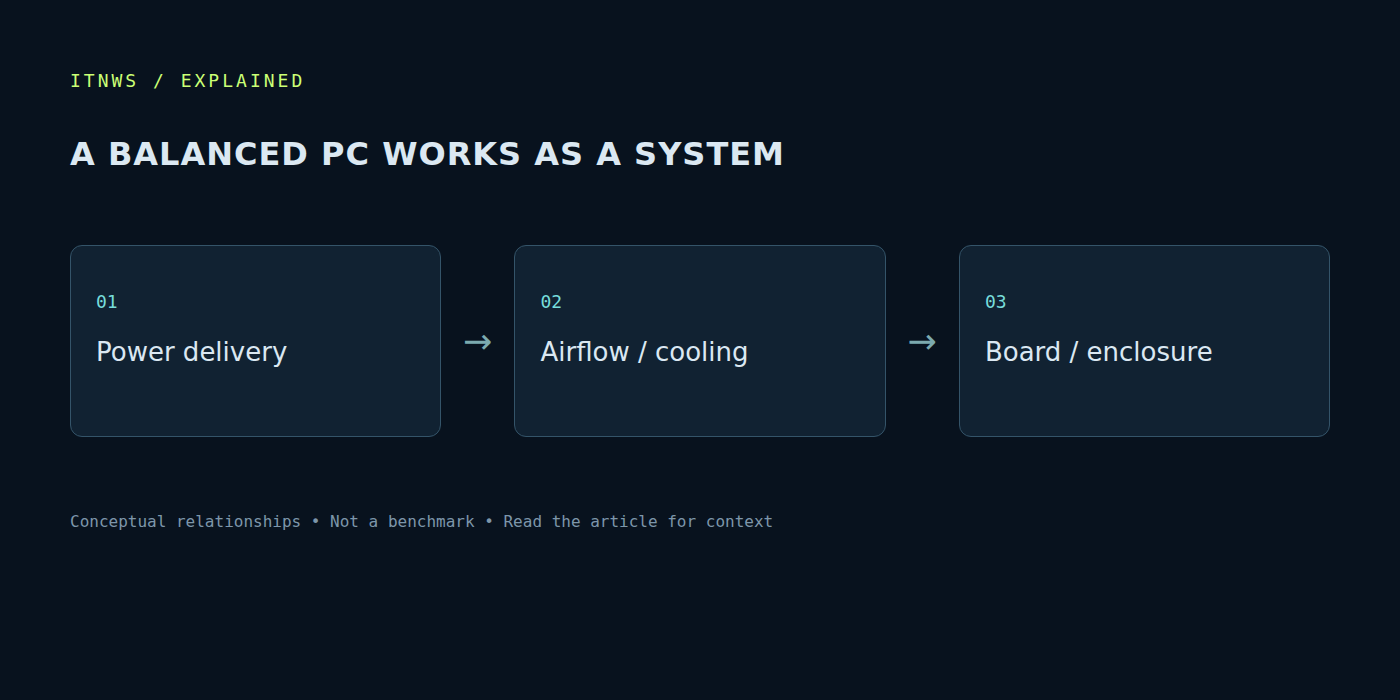
Sources were checked on October 18, 2026. A successful build is a compatible system that performs its task reliably and remains maintainable. Power delivery, enclosure, motherboard and cooling shape the practical behaviour of CPU and GPU. Allocate the budget across the complete computer, checking dimensions, connections and sustained behaviour rather than selecting these parts as whatever remains after buying the headline chips.