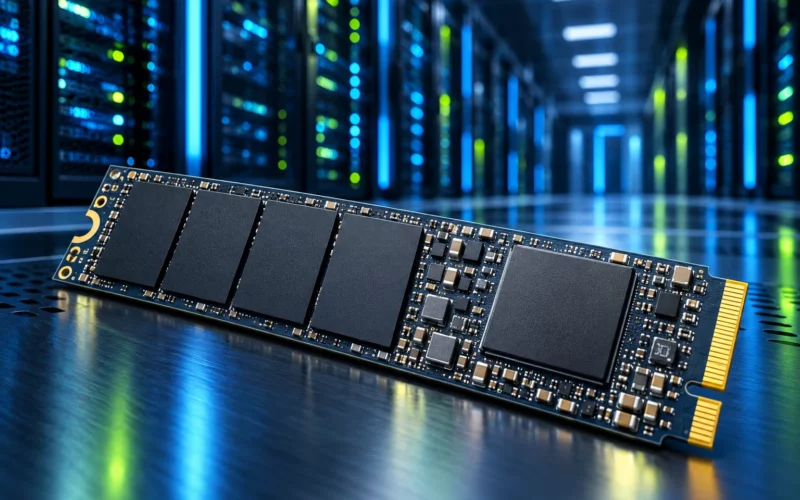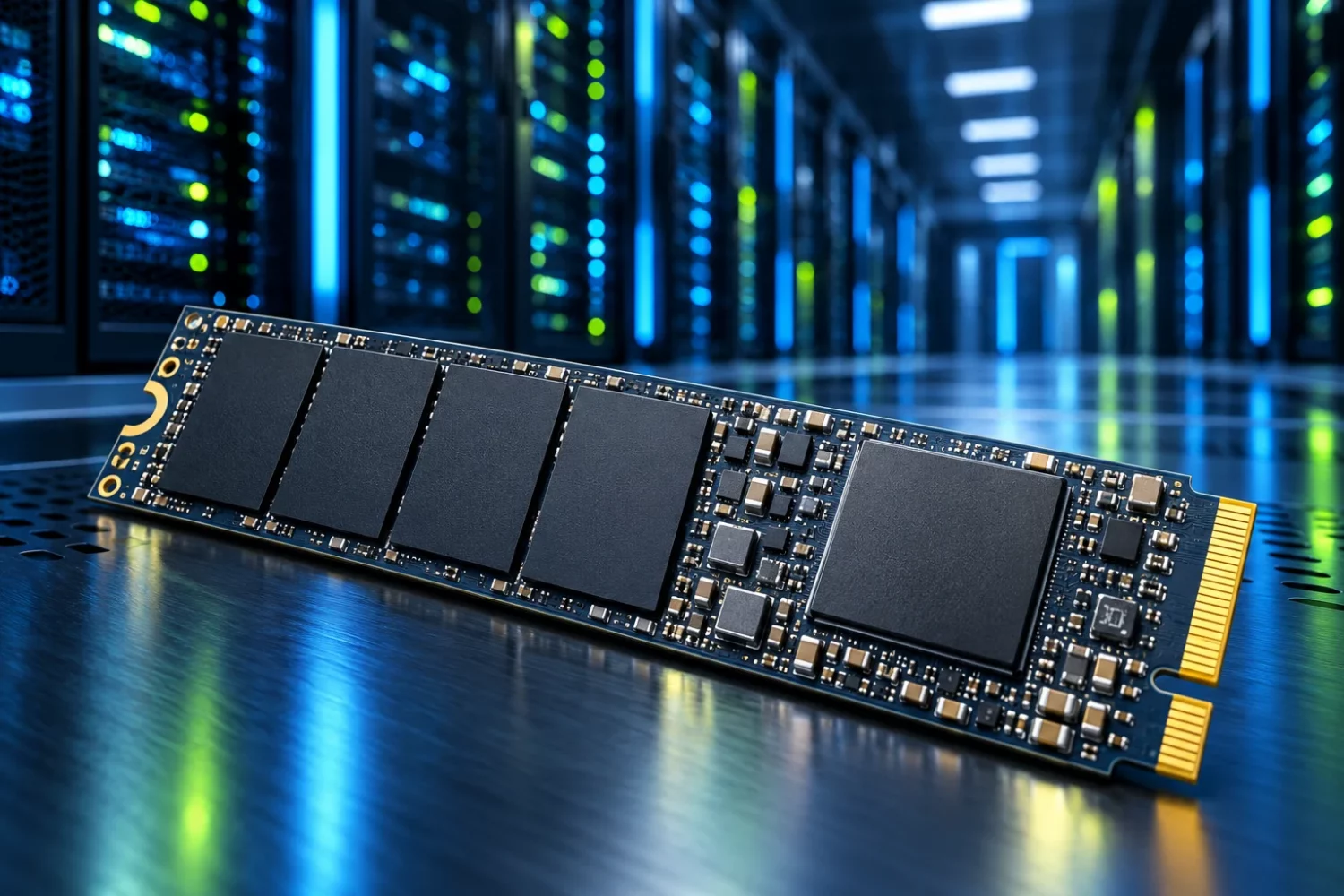
SSD market coverage increasingly revolves around artificial intelligence. One announcement highlights capacity, another celebrates record bandwidth, and another discusses rising prices. These stories concern different workloads. Together they do not form a universal instruction to replace the drive in a home PC immediately. Sources were checked on October 18, 2026; manufacturer statements are distinguished below from editorial explanation.
What is happening in enterprise storage
In its September research, TrendForce links continued enterprise SSD price increases to stronger demand from North American cloud providers. This concerns server infrastructure and large purchasing programmes. It does not establish an identical retail increase for every consumer drive: finished products, distribution channels and agreements differ. [s0]
The workload itself matters. A large service stores data, accesses it continually and handles many requests simultaneously. Predictable latency, appropriate endurance and controlled behaviour during sustained activity become priorities. A home drive often works in bursts: opening an application, installing a game or saving a project. The shared SSD label does not imply identical engineering priorities.
PCIe 6.0 is present in real server products
For its enterprise 9650, Micron specifies PCIe Gen6, sequential reads of up to 28 GB/s, and E1.S/E3.S formats. These are manufacturer specifications for a particular device, not our measurements and not the description of an ordinary laptop M.2 drive. An “up to” figure depends on the documented conditions. [s1]
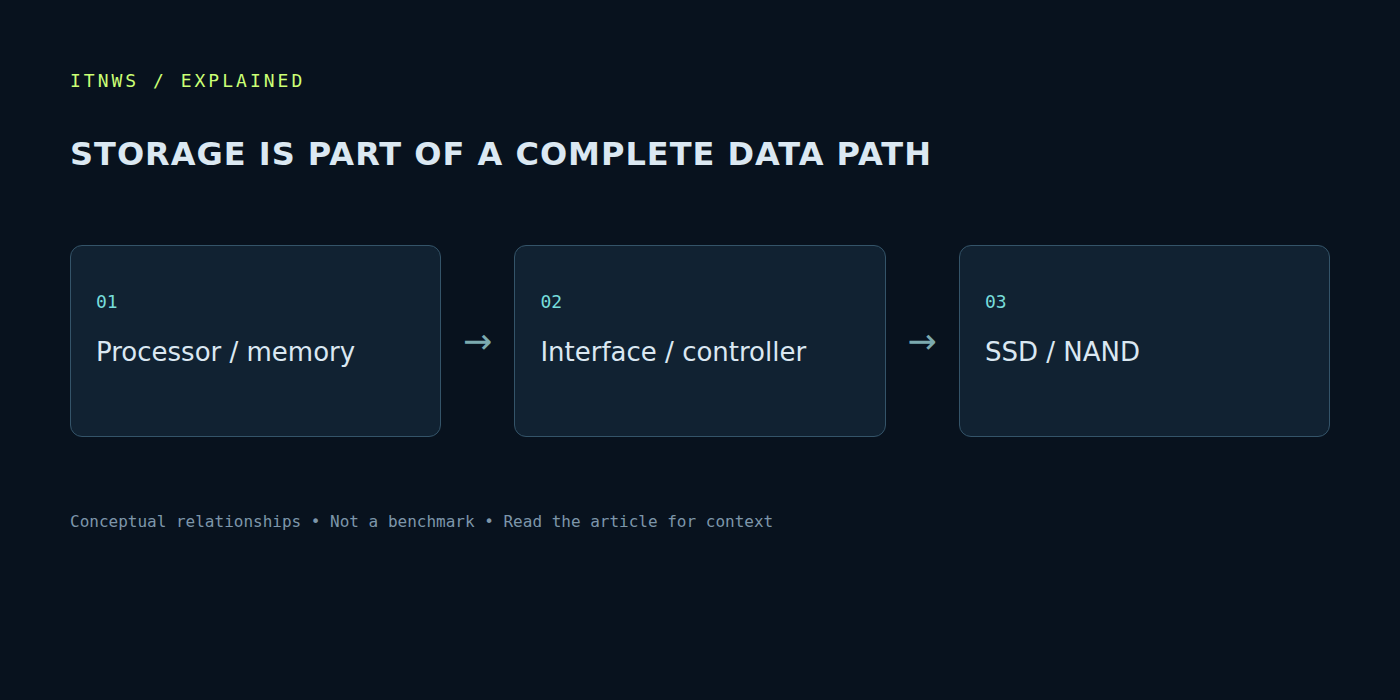
Microchip and Micron have also demonstrated a joint PCIe Gen6 storage architecture. Its significance extends beyond one SSD: the complete connection path must support the throughput. A slower part elsewhere in the system becomes the limit regardless of the drive’s theoretical capability. Changing the interface generation of one component does not automatically upgrade the rest of the machine. [3]
Maximum bandwidth does not describe the entire experience
Sequential reads describe the transfer of large continuous blocks. Starting applications, browsing directories and making many small requests create a different workload. Two drives with substantially different advertised maxima can feel similar in one task and differ sharply in another. A useful benchmark resembles the actual job rather than merely displaying the largest number in a table.
Direction matters as well. Reading existing files quickly and accepting a long stream of new data are different requirements. For a workstation repeatedly transferring large video projects, sustained writes matter more than a momentary peak. For a gaming system, adequate capacity, compatibility and the absence of obvious stalls can be more useful. A server adds requirements rarely visible on a shop display.
Cache, utilisation and temperature
Some drives accelerate short writes using a fast memory region. Once that region is exhausted, performance may change. Its size and behaviour depend on the model and the drive’s state. A brief test on an almost empty device does not describe copying a large archive onto a substantially occupied SSD. Comparisons need similar conditions, transfer sizes and starting utilisation.
Temperature belongs to the system too. A heatsink must fit the enclosure and follow the motherboard or laptop manufacturer’s guidance. The largest heatsink is not automatically the best: thermal contact, airflow and mechanical clearance matter. If performance drops during a long operation, check temperature and system logs before blaming the interface or purchasing a still faster drive.
Capacity, endurance and warranty
Free space is useful for more than the next game. It avoids a situation in which every update requires urgent file deletion. Plan capacity using actual folders and expected data growth. A sensible configuration may combine an SSD for active projects with a hard drive for a large archive, provided the archive’s access requirements allow that arrangement.
Read the rated write endurance and warranty period together with the manufacturer’s conditions. High endurance is not a backup and cannot exclude an unexpected electronic failure. Decide in advance which data must exist in another independent location. Folder synchronisation and a versioned backup archive also solve different problems, especially when files are accidentally deleted or damaged.
Checks before purchasing
Identify the exact connector, board length, supported protocol and available interface lanes. The motherboard manual should explain restrictions when other devices are installed simultaneously. A physically compatible drive may not operate in the expected mode if its slot shares resources with another connector. Laptop installations also require attention to thickness and cooling arrangements.
Compare matching capacities and exact part numbers: variants within one family can differ. Include warranty service, firmware support and the availability of official tools. If the current drive works, establish whether it actually limits the workload. An upgrade made only for a generation number can be less useful than more capacity, a working backup arrangement or removing a shortage of system memory.
Enterprise storage demonstrates how valuable rapid data access has become. The practical lesson for a home PC is to match the drive to the workload and platform, using market coverage as context. Faster corporate infrastructure does not turn every consumer task into a race for the largest sequential gigabytes-per-second figure.